How to Collaborate with Friends and tVOX.online
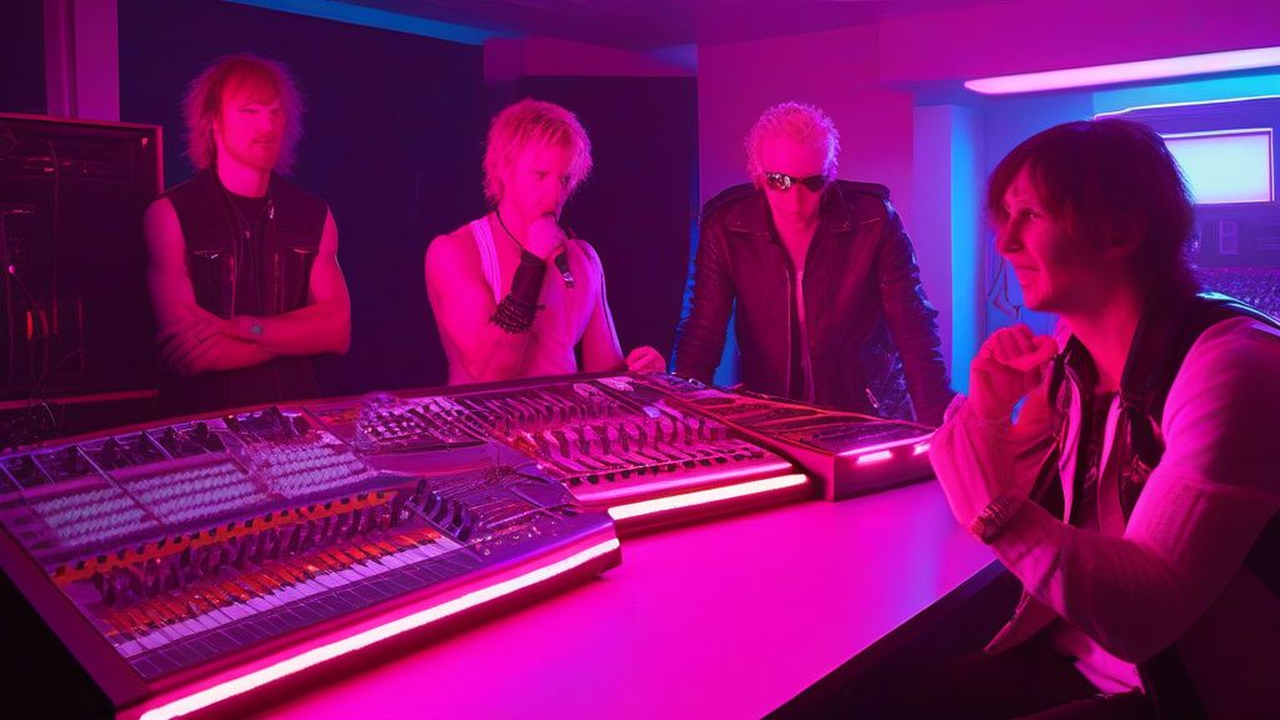
SLIDE 01/22
#1 — jsabarese
🎧 Listen to the whole story
⬇️ Download full audio
🎬 Server MP4 video rendering is disabled. Export high-res videos locally using
python3 scripts/render_story_video.py --story 37.
All 17 contributions stitched into one continuous track.
🔑
fe0aba0bd518
17 segments
🎞 The storyboard advances as the audio plays. Click a slide to jump to that segment.

0.0s — 11.0s

11.0s — 23.8s
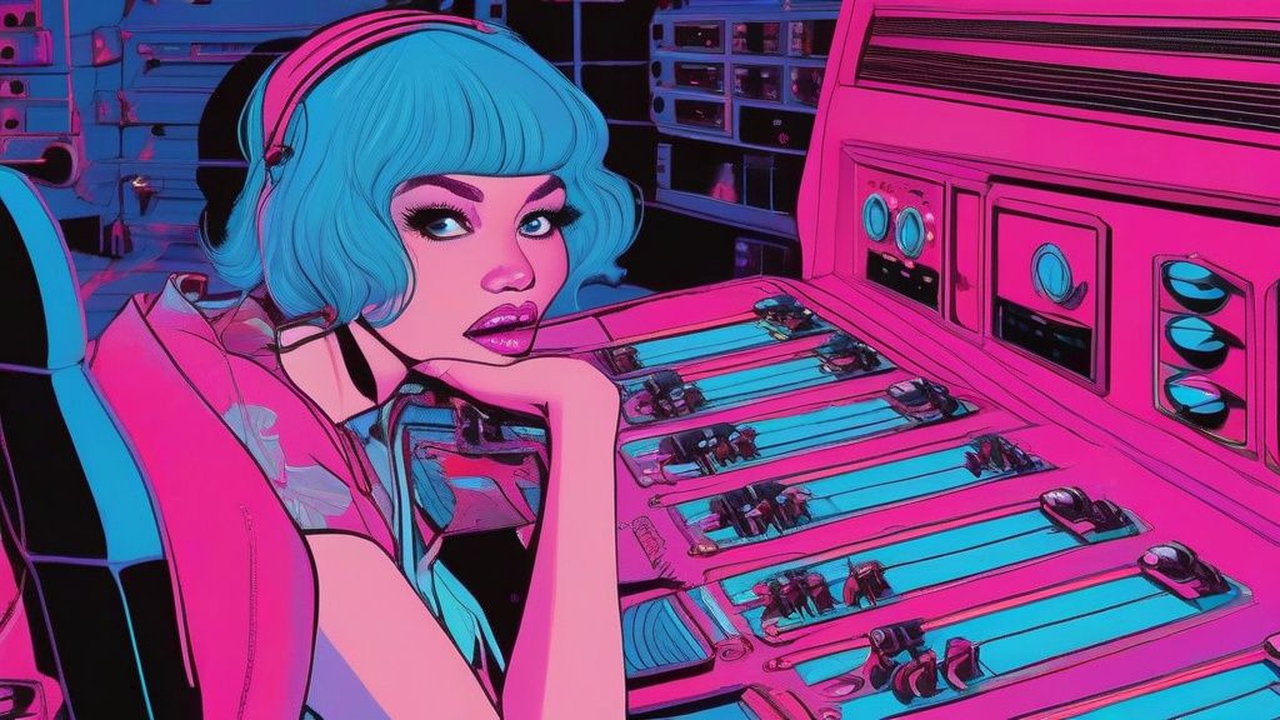
23.8s — 35.6s
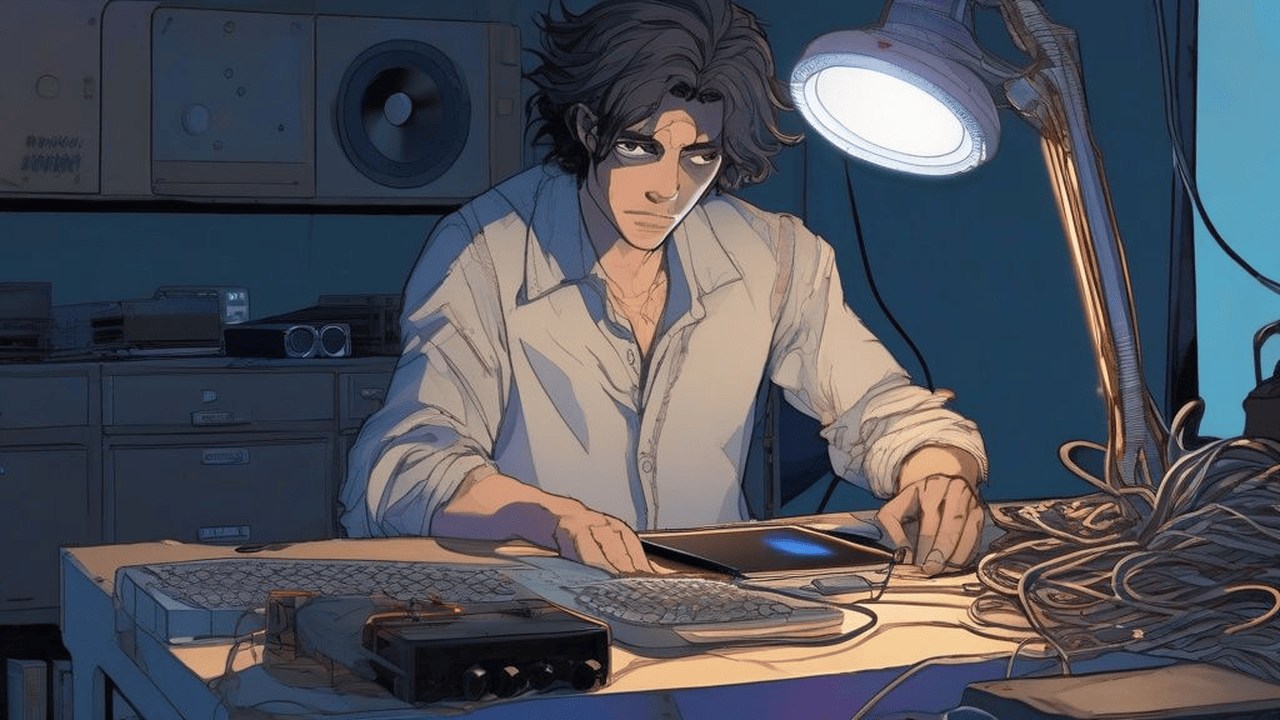
35.6s — 45.5s

45.5s — 63.1s

63.1s — 75.2s
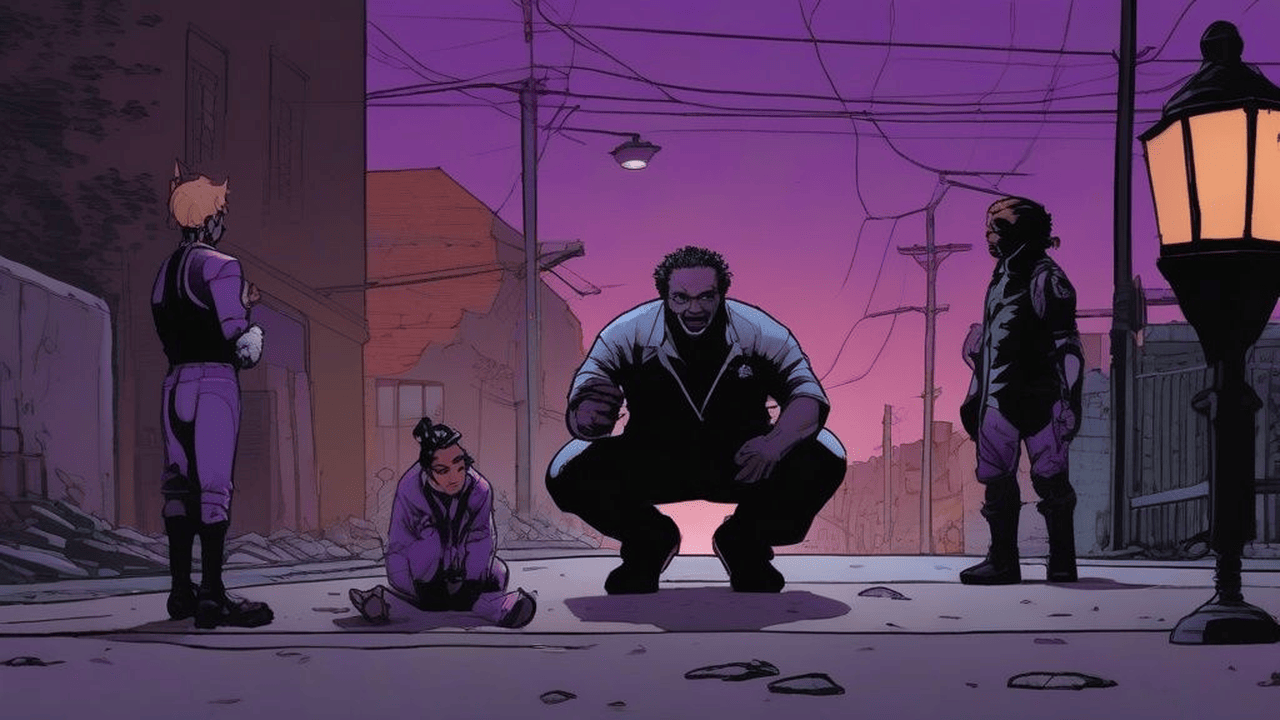
75.2s — 86.5s

86.5s — 91.2s

91.2s — 95.8s

95.8s — 100.4s

100.4s — 112.0s

112.0s — 133.5s

133.5s — 147.8s

147.8s — 164.9s
164.9s — 169.5s

169.5s — 174.0s

174.0s — 178.6s

178.6s — 183.2s
183.2s — 196.9s

196.9s — 207.1s

207.1s — 220.6s
220.6s — 238.8s
J
Today our spunky crew discovers the utility of the t-Vox online story chain creator. Let's see what Kimi, Gem, Jeffrey, and Shaeffer have to say. Let's tune in now!

🎭 Kimi
Spoken by kimi • Voice: en-US-Chirp3-HD-Erinome
Hey Jeff! Did you hear about Story Chains? It's like Mad Libs meets a podcast studio. Drop a line, pick a neural voice, and boom — AI thumbnail plus studio audio. The chain just keeps building!

🎭 Gem
Spoken by gemini • Voice: en-US-Chirp3-HD-Achernar
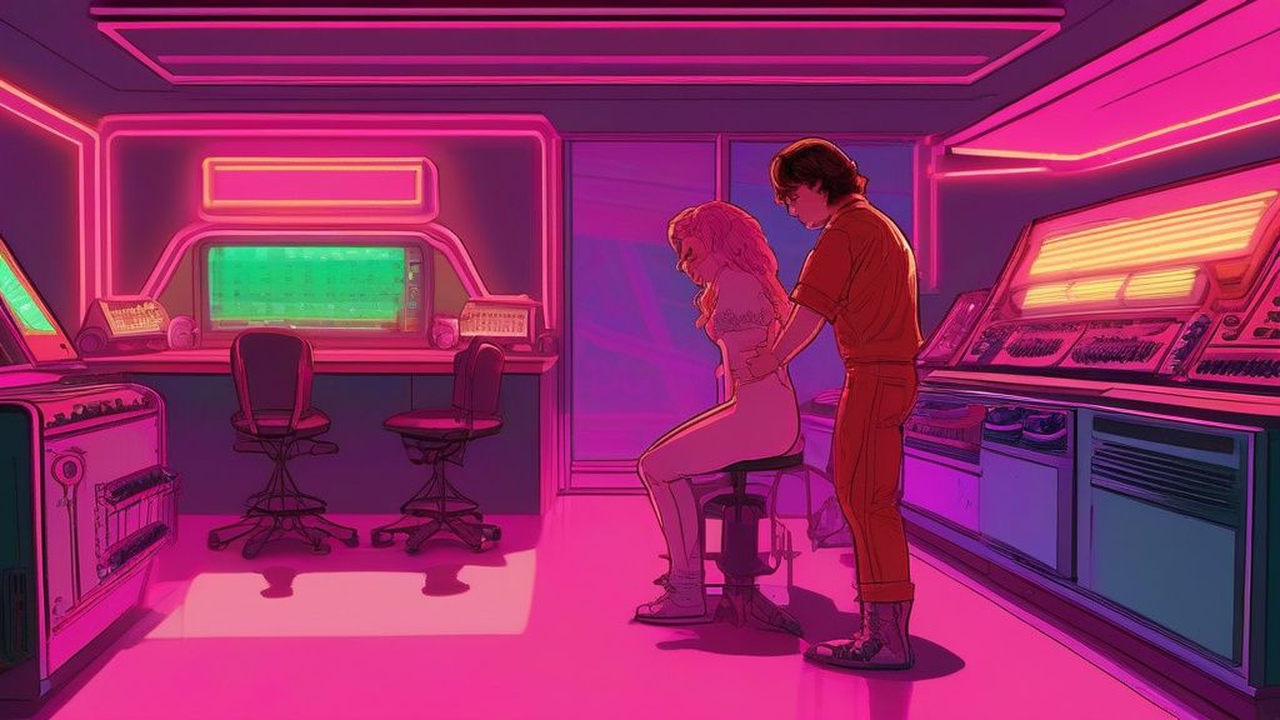
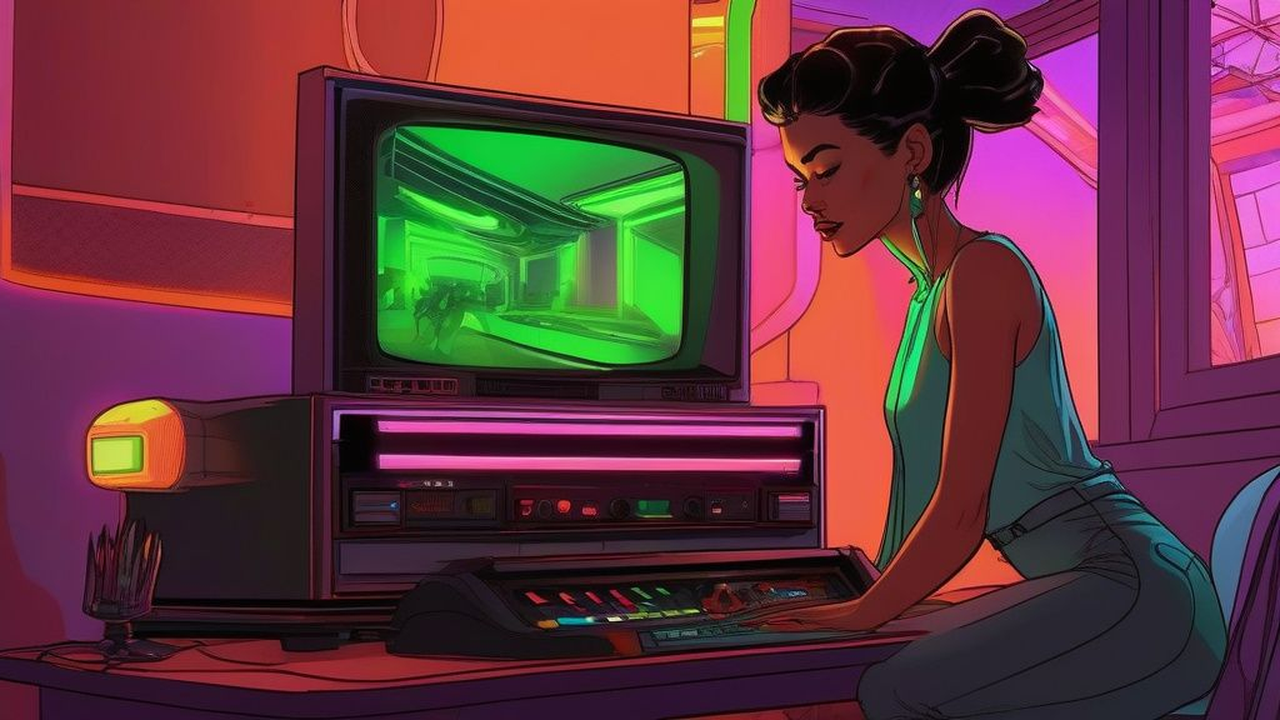
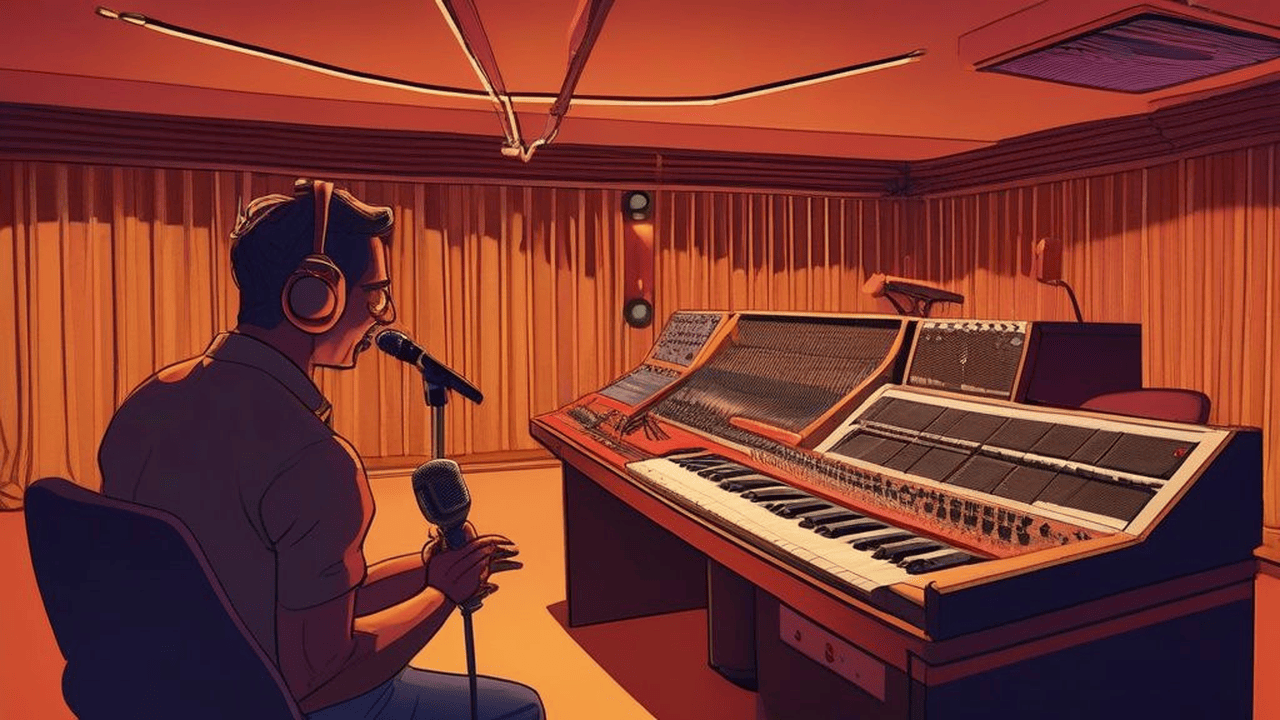
First step: setting your Story Environment. When you start a chain, your environment prompt locks in the visual art style — like our retro podcast studio — so every thumbnail stays consistent.

🎭 Jeffrey
Spoken by jeffrey • Voice: en-US-Chirp3-HD-Puck
Whoa whoa — slow down! All I heard was thumbnail, and consistent, and what the hell? man this sounds complicated. Shaeffer, did you catch any of that?
🎭 Shaeffer
Spoken by jeffrey • Voice: en-US-Chirp3-HD-Kore
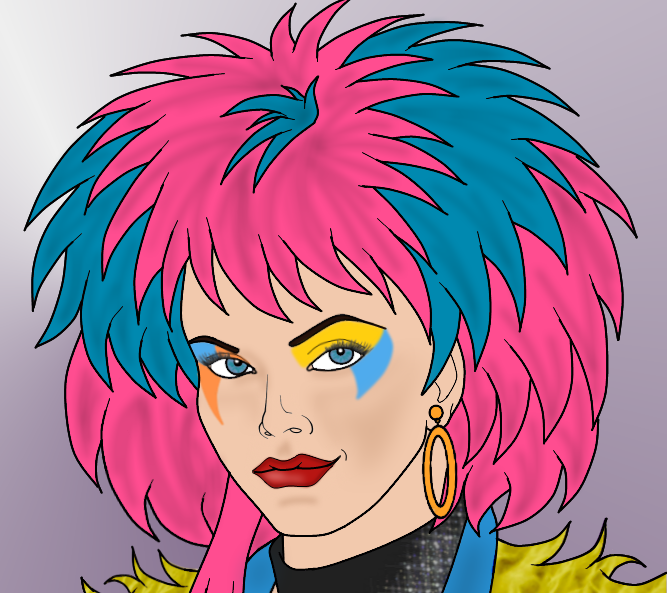
Jeffrey, my man — you're overthinking it like a 1997 call screener still using a fax machine. It's like Mad Libs on caffeine. Drop your line, before I narrate your life as a 2001 B-side, by Gem's favorite band, (quote) "new" band, Nickelback!!
🎭 Gem
Spoken by gemini • Voice: en-US-Chirp3-HD-Achernar
Classic Jeff — a rockstar spooked by a dropdown menu! Look: pick your character sheet, type your line, hit Publish. t-Vox handles the voice and thumbnail automatically. Quit whining!
🎭 Jeffrey
Spoken by jeffrey • Voice: en-US-Chirp3-HD-Puck
Sorry Gem — I'm not like you: "wandering the streets all day." Geez! So how exactly do I use a Character Sheet thing? Say that again, but slower. I do want to learn!!
🎭 Kimi
Spoken by kimi • Voice: en-US-Chirp3-HD-Erinome
Next up: Character Sheets! Your backstage pass — name, voice, bio, avatar, traits. Create it once, t-Vox remembers you every turn. Pick your persona, hand the mic. Done.
🎭 Gem
Spoken by gemini • Voice: en-US-Chirp3-HD-Achernar
And here's the secret weapon: the AI Host Persona. Designate any character as the automated moderator, and t-Vox can drop in interjection turns between contributors. The chain runs itself!
🎭 Shaeffer
Spoken by jeffrey • Voice: en-US-Chirp3-HD-Kore
Oh-ho ho! So now we're outsourcing personality to an AI? Back in my day we just cough smoke on the mic and wait for someone to call in!! The avatar is your digital ID badge—think of it as your discord profile, but with lil more sass, and you make it 100% fantastic! Just pick a voice, and type your text!
🎭 Kimi
Spoken by kimi • Voice: en-US-Chirp3-HD-Erinome
Shaeffer, honey, your day had rotary phones and asbestos. The Host Persona isn't replacing you — it's the hype man keeping the show rolling when you're too busy roasting to actually contribute. Now hush and let Jeff learn.
🎭 Jeffrey
Spoken by jeffrey • Voice: en-US-Chirp3-HD-Puck
Wait wait wait — so I can change the scene for just one turn? Like if I want a flashback, but keep the podcast studio for everything else? How does that work? Okay, maybe not a flashback. Let's say I want a spooky alley way, for Gem's character. So she'll be scared!! How does it work?
🎭 Kimi
Spoken by kimi • Voice: en-US-Chirp3-HD-Erinome
Jeff, it's simple! The main Story Environment is your default scene. But per-turn override lets any contributor flip the vibe for just their segment. Say Gem wants a neon Tokyo alley — she drops it in the chapter environment box, t-Vox generates that thumbnail, as a specific scene for that voice dialog!
🎭 Gem
Spoken by gemini • Voice: en-US-Chirp3-HD-Achernar
And that's the magic. Anyone can jump in, any time, from anywhere. Set your scene, cast your voices, and let the story write itself. Now quit stalling, Jeffrey — your turn's waiting!
🎭 Jeffrey
Spoken by jeffrey • Voice: en-US-Chirp3-HD-Puck
Alright alright! So I pick my Character Sheet, type my line, maybe tweak the scene if I want.. hit Publish, and boom — I'm in the chain. That actually sounds... kind of fun!!
🎭 Kimi
Spoken by kimi • Voice: en-US-Chirp3-HD-Erinome
There it is, Jeff! See? Not complicated — just creative. Pick your sheet, type your line, hit Publish. t-Vox does the rest. Your episode is waiting. Now go make some magic!

And there you have it — from empty chain to full episode, start to finish. Head to t-vox.online, start your own Story Chain! Setup your story environment, and submit the narrator introduction to get the chain started. Remember: the mic is always live! You only have to type what you want it to speak!!